Skip to content

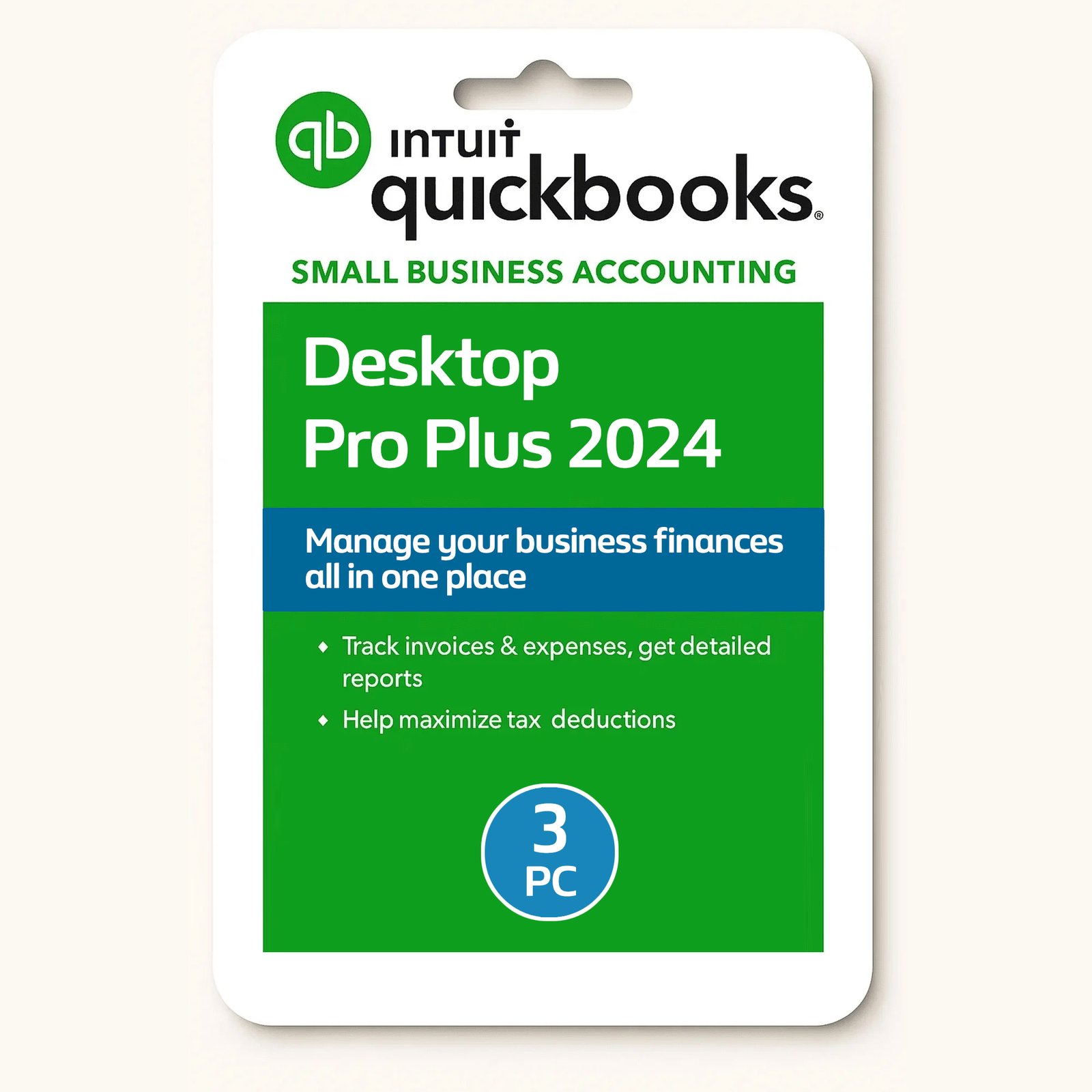
QuickBooks Desktop Pro 2024, Lifetime, 3 User

$199.99

Buy with Confidence

100% Genuine

Official Intuit QuickBooks software with verified license.

Windows & Mac

This software is compatible on both Windows or Mac systems.

Shipped + Download

Product codes, download link sent instantly to your email & back up document shipped to you.

Lifetime License

Includes full lifetime access with no subscriptions.

Pay Once, Use Forever

Save big with a lifetime license, a smarter choice compared to ongoing online plans.

Easy Data Transfer

Easily transfer all your data from a previous version of QuickBooks.

Buy with Confidence

100% Genuine

Official Intuit QuickBooks software with verified license.

Windows & Mac

This software is compatible on both Windows or Mac systems.

Shipped + Download

Product codes, download link sent instantly to your email & back up document shipped to you.

Lifetime License

Includes full lifetime access with no subscriptions.

Pay Once, Use Forever

Save big with a lifetime license, a smarter choice compared to ongoing online plans.

Easy Data Transfer

Easily transfer all your data from a previous version of QuickBooks.

30-Day Money-Back Guarantee

Stop Paying Monthly for QuickBooks Own it for Life

Tired of paying high monthly fees for QuickBooks? You’re not alone.

QuickBooks now primarily offers subscription-based plans, which can cost hundreds of dollars every year — and you lose access if you stop paying.

We offer a smarter solution:
One-time payment.
✅ Lifetime access.
✅ No subscriptions.
✅ No renewals.
✅ No recurring fees.

This is genuine Intuit QuickBooks desktop software — licensed to you for life. You pay once and own it forever, with no ongoing costs. It’s the most cost-effective way to manage your business finances long-term.

Join thousands of smart business owners saving money and staying in control. Why rent your accounting software when you can own it outright?

QuickBooks Certified ProAdvisor ✅

We offer Intuit ProAdvisor licenses that aren’t available direct from Intuit. With our Partner QuickBooks ProAdvisor desktop licenses, you receive the full benefits of an authentic Intuit license.

Your software and company data/files remain securely stored locally on your own computer at your workplace. Since this is the desktop version, not the online version, your data is not stored in the cloud, and no one can access your files remotely.

QuickBooks Certified ProAdvisor ✅

We offer Intuit ProAdvisor licenses that aren’t available direct from Intuit. With our Partner QuickBooks ProAdvisor desktop licenses, you receive the full benefits of an authentic Intuit license.

Your software and company data/files remain securely stored locally on your own computer at your workplace. Since this is the desktop version, not the online version, your data is not stored in the cloud, and no one can access your files remotely.

Take control of your business finances with QuickBooks Desktop Pro 2024—a trusted accounting solution designed to simplify your financial management. With a Lifetime License, you’ll enjoy one-time payment and no subscription fees. Perfect for small businesses, freelancers, and sole proprietors, this version offers robust features to keep your accounts organized and tax-ready.

Key Features:

– Lifetime License: No recurring subscription fees—pay once and use the software forever.
– Shipped Backup – Receive a physical document by mail containing your license details and backup download link.
– Download Direct: Download directly from the Quick Books website.
– Instant Delivery: Receive your download link and product code and full installation guide sent instantly to your email.
– 3 PC License: Install on a single PC, with the option to transfer it to another computer if needed.
– Easy-to-Use Interface: Streamlined design with intuitive navigation for quick setup and daily use.
– Track Income & Expenses: Keep a close eye on business performance with detailed reports.
– Generate Professional Invoices: Create and send customized invoices and track payments.
– Manage Payroll: Easily run payroll (optional feature; requires additional payroll services).
– Robust Reporting: Access over 100 customizable financial reports to track sales, expenses, and profitability.
– Tax Time Simplified: Automatically organize your financial data for tax season and generate accurate tax reports.
– Import Data: Seamlessly import data from Excel and other accounting systems.
– Secure Backup: Regular backups to protect your financial data from loss.

What’s Included:

– QuickBooks Desktop Pro 2024 license key & download link for installation (US Version).
– Document shipped out to you with back up download link and license key.
– Full support, if you get stuck or have a question get in touch.

Why Choose QuickBooks Desktop Pro 2024?

– Secure, Offline Use: No need for an internet connection to operate (except for certain services).
– One-Time Payment: No subscription fees—just a one-time investment.
– Industry-Leading: Trusted by millions of businesses worldwide for its reliability and powerful features.

Answers to common questions

System Requirements

Operating System: Windows 10 (32-bit & 64-bit), Windows 11, or Windows 8.1
Processor: 2.4 GHz or faster (4 GHz recommended)
Memory (RAM): 4 GB minimum (8 GB recommended)
Storage: 2.5 GB free space (plus additional space for data files)

Operating System: macOS 12.0 Monterey or later
iOS: Version 12.0 or later for iPhone features
Hardware: Compatible with both Intel and Apple Silicon (M-series) processors
Internet: Required for installation and online features
Multi-User Server: Intel Core 2 Duo or better
Memory (RAM): 2 GB minimum (4 GB recommended)
Storage: 250 MB free space
Printing: Macintosh-compatible printer for invoices, checks, and documents
Checks: Intuit-brand checks required for printing

Functions and Usage

From the Customers menu, select Create Invoice to open a new form. Add your customer’s details, invoice and due dates, and the products or services being billed. Personalize the layout or style if needed. Once complete, you can save it for your records, print a hard copy, or send it instantly to your customer by email.

Log every purchase in the Expenses section, making sure to assign it to the right category such as travel, supplies, or utilities. Link your bank and credit card accounts so transactions import automatically. For quick recordkeeping, snap and upload receipts with the mobile app, then match them to the correct expenses.

  • In QuickBooks, open the Banking menu and select Reconcile.

  • Type in the ending balance and statement date from your bank statement.

  • Look through the list of transactions in QuickBooks.

  • Check off each transaction that appears on your bank statement.

  • Continue until the difference shown is $0.00, meaning your accounts match.

Quick Start

Create a Company File: Use the setup wizard to enter your business name, industry, and contact information.
Set Preferences: Configure your fiscal year, tax options, and invoice designs.
Link Bank Accounts: Connect your bank and credit cards to automatically import transactions.
Add Contacts: Enter details for customers, vendors, and employees to streamline invoicing and payroll.

Easily bring your existing financial data into QuickBooks using Excel or CSV files. Dedicated tools are available for Quicken and older QuickBooks versions. Accurate field mapping ensures a smooth and reliable transfer.

Payroll & Tax Management

Yes. QuickBooks can handle payroll through built-in add-ons, offering features like automatic tax calculations, direct deposit, and online access for employees to view their pay information.

Note: Payroll is not enabled by default — it must be added separately. After your purchase, we’ll walk you through the setup process.

  • Add each employee’s details — how much they earn, their tax info, and any benefits.

  • When payday comes, open payroll and enter the hours worked or salary amounts.

  • Double-check everything to make sure it’s correct.

  • Click to approve, and QuickBooks will handle the payments.

  • Give your employees their pay stubs and save any tax forms you’ll need later.

  • Use QuickBooks to create the reports you’ll need, like Profit & Loss, Balance Sheet, and Sales Tax summaries.

  • Fill out and e-file supported tax forms (such as 941 or 940) directly through QuickBooks.

  • If your taxes are more complicated, get help from a tax professional or connect QuickBooks to tax software for extra support.